
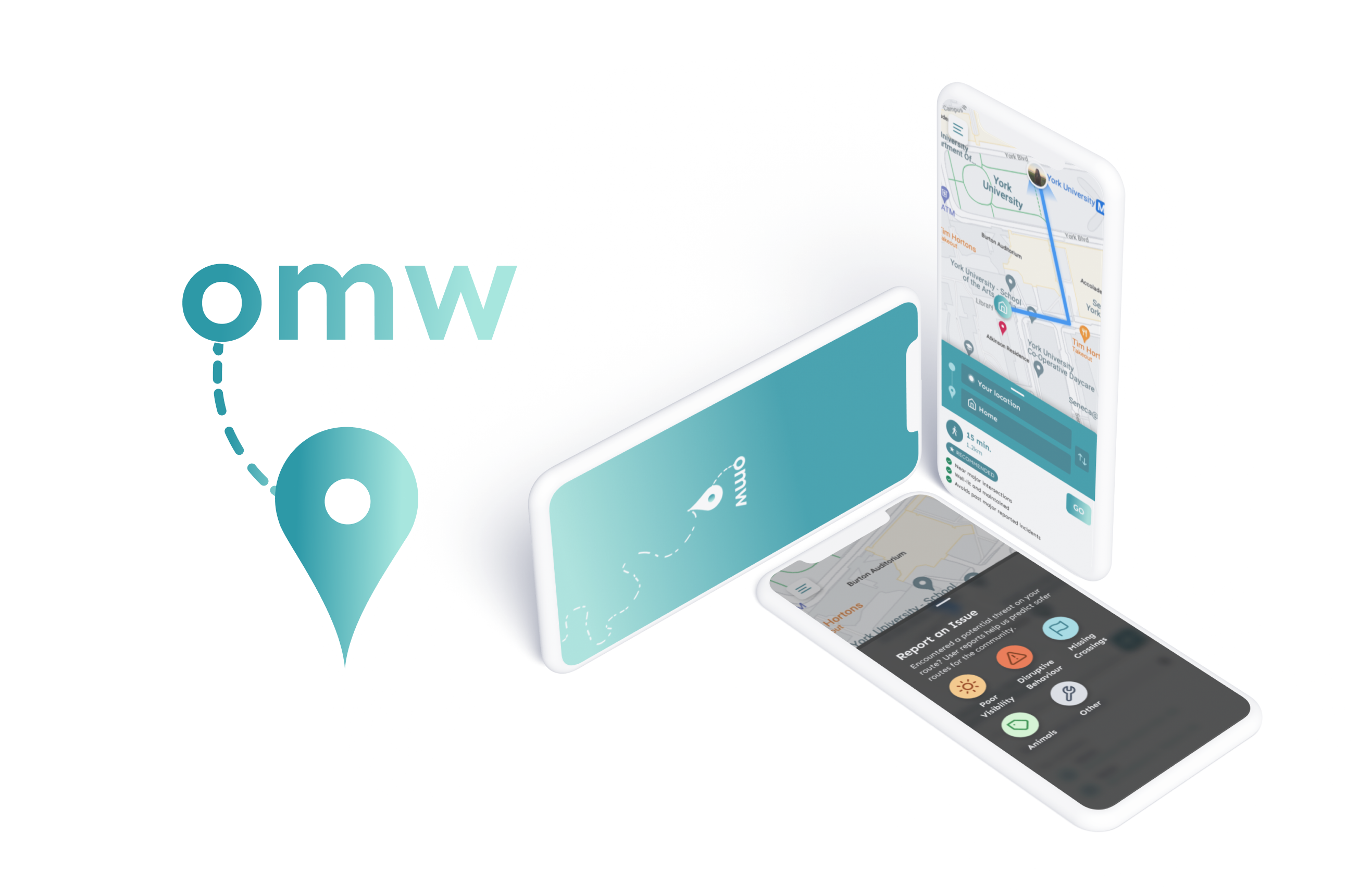
Inspired by recent allegations of gender-based violence at Western University, I spent 48 hours creating omw (on my way!)—a real-time navigation tool that enables users to safely commute to their destination with greater peace of mind.
After numerous team discussions, we arrived at the following problem statement:
How can we enable users to feel safe when walking alone?
To validate that travelling independently was, in fact, an uncomfortable process for some, I sent out a quick google survey (screenshots of key results provided below). Although the sample size was small (23 responses) and consisted of mostly females, the results were revealing. Nearly 65% of respondents have been in a situation where they felt unsafe on campus.

Based on the insights gleaned from our user research, I came up with two user personas, each representing one facet of the multi-sided platform:

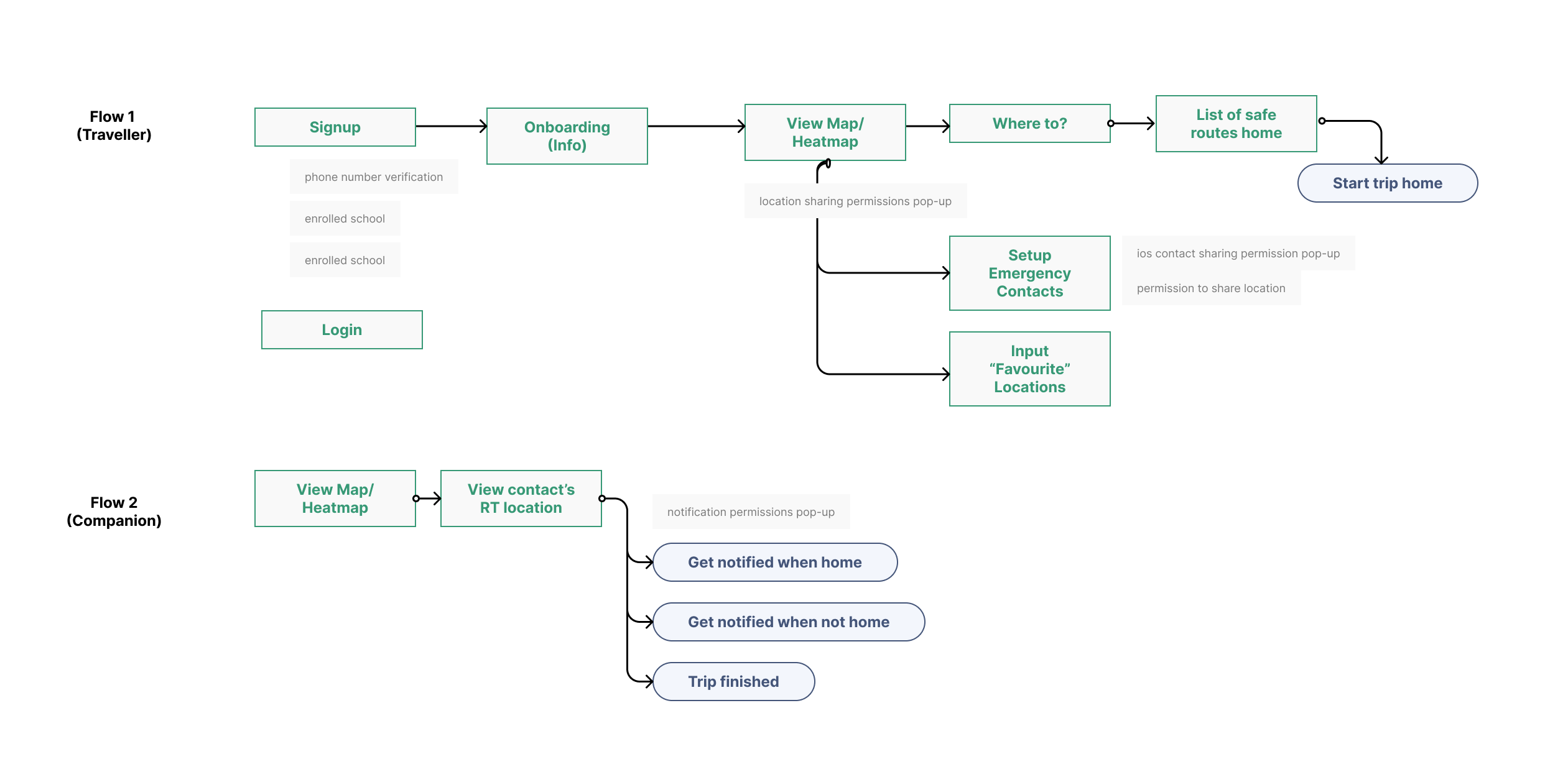
I began by brainstorming user flows for each persona, understanding that the needs of each segment were uniquely distinct:
I then conducted usability tests on the low-fidelity wireframes before designing the high-fidelity versions. The design process was highly iterative in nature, as the team often went back-and-forth considering varying layouts and functionalities before settling on the final design.
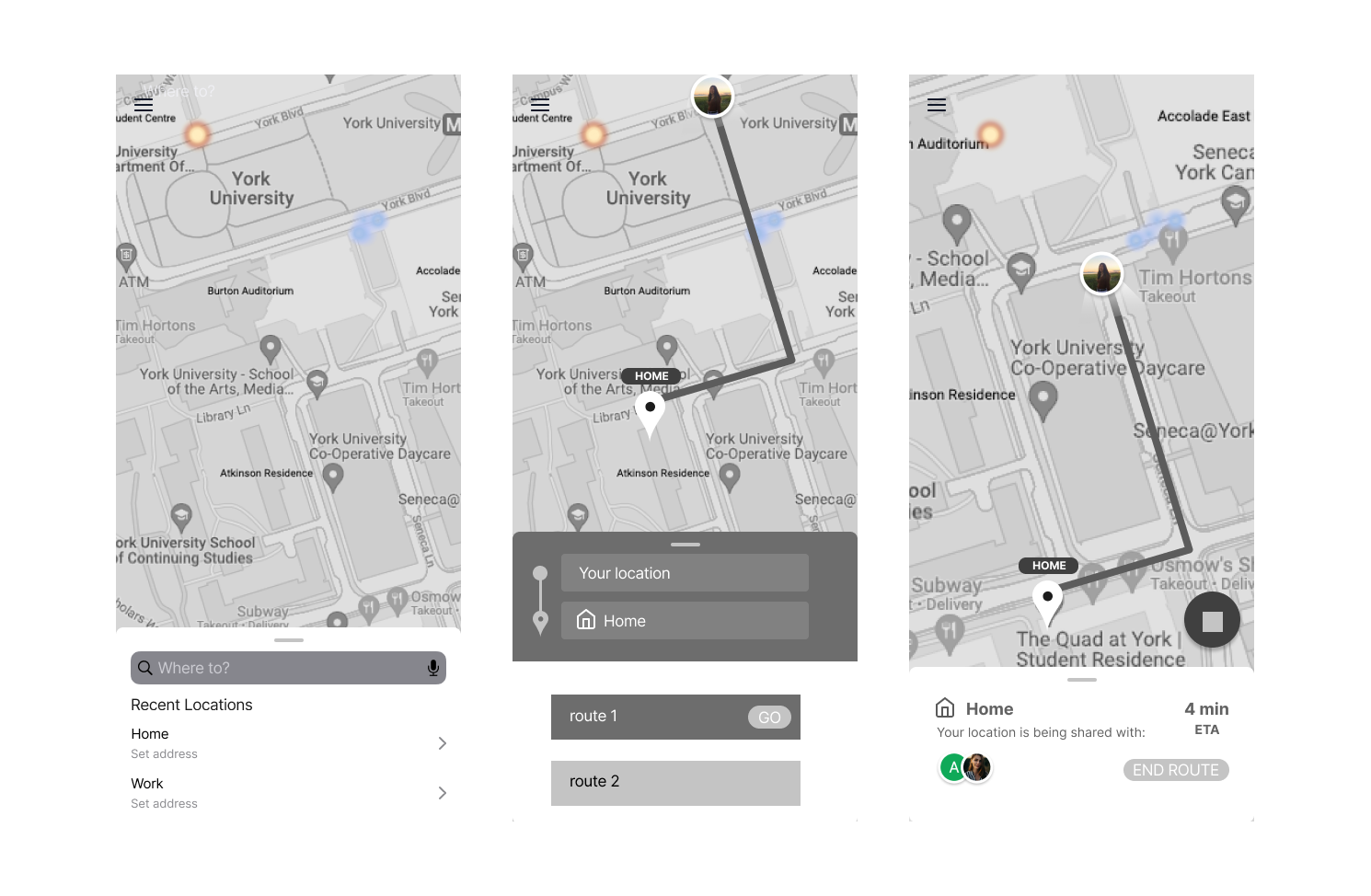
Our solution consisted of 3 main features:
shoot an email to anja.somar@gmail.com

